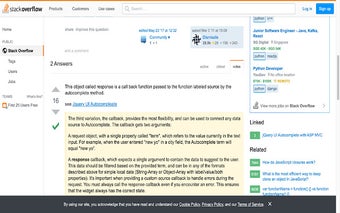
Screenshot Extension: A Simple Tool for Full Page Screenshots in Chrome
Screenshot Extension is a free add-on for the Chrome browser developed by ms.phamanh. As the name suggests, it is a simple tool that allows users to take full page screenshots of the current tab in the Chrome browser.
With Screenshot Extension, users can easily capture an entire webpage, including the parts that are not visible on the screen. This can be useful for various purposes, such as saving an article for offline reading, capturing a webpage design for inspiration, or documenting a webpage for reference.
To use the extension, users simply need to install it from the Chrome Web Store. Once installed, a camera icon will appear in the browser toolbar. Clicking on the icon will capture a screenshot of the entire page and open it in a new tab.
Screenshot Extension is a convenient tool for anyone who needs to capture full page screenshots in the Chrome browser. It provides a quick and easy way to save and share webpage content without the need for any additional software or complex settings.